How to Access the World’s Largest Open-Source Prompt Library

Prompts.chat is the world’s largest open‑source prompt library for AI assistants. It hosts over 159 thousand curated prompt templates on GitHub under a permissive license. The collection works with ChatGPT, Claude, Gemini, Llama, Mistral, and other modern AI models. This resource eliminates the need to write effective prompts from scratch. It provides a massive head start for both beginners and advanced users.


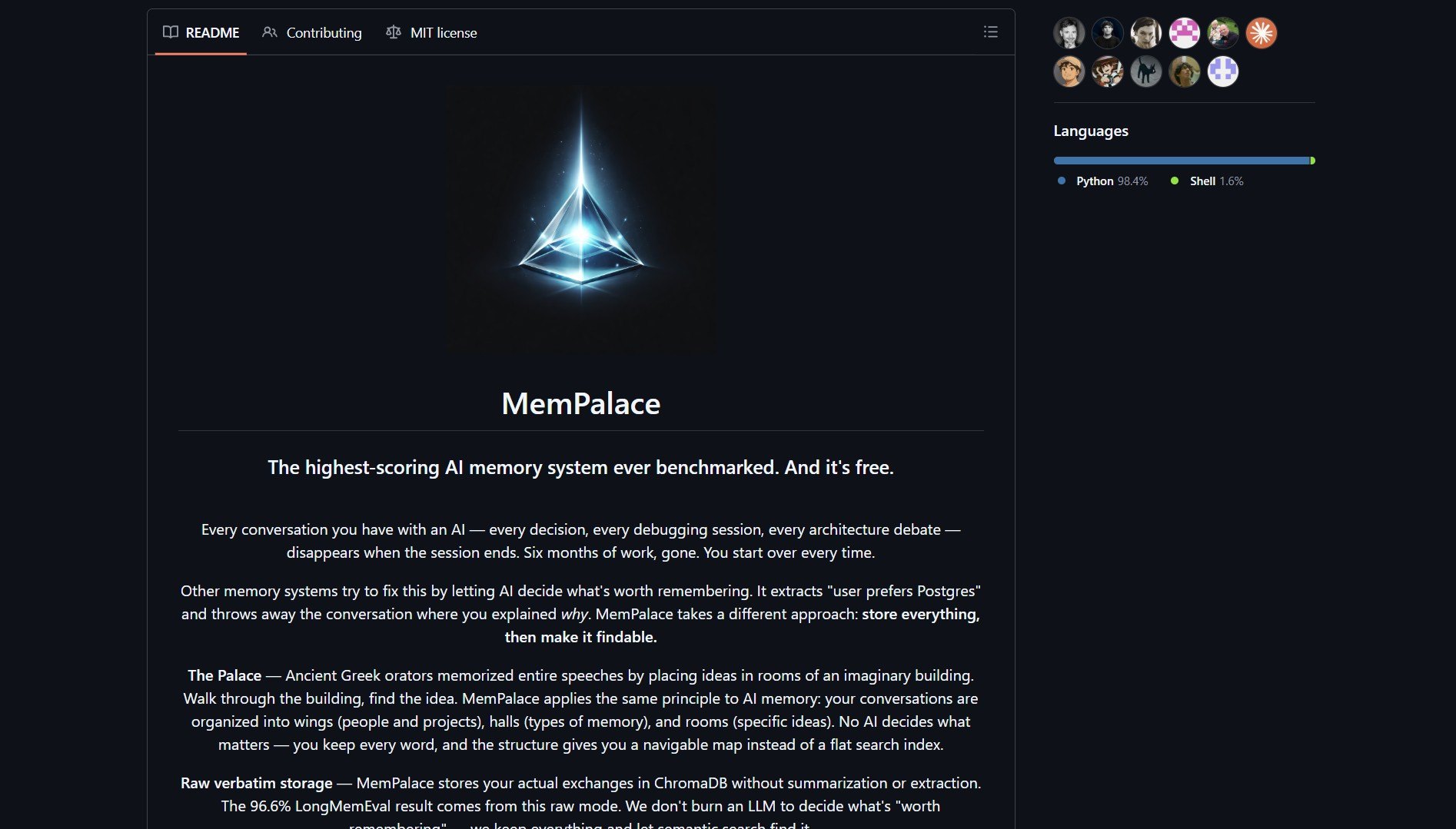
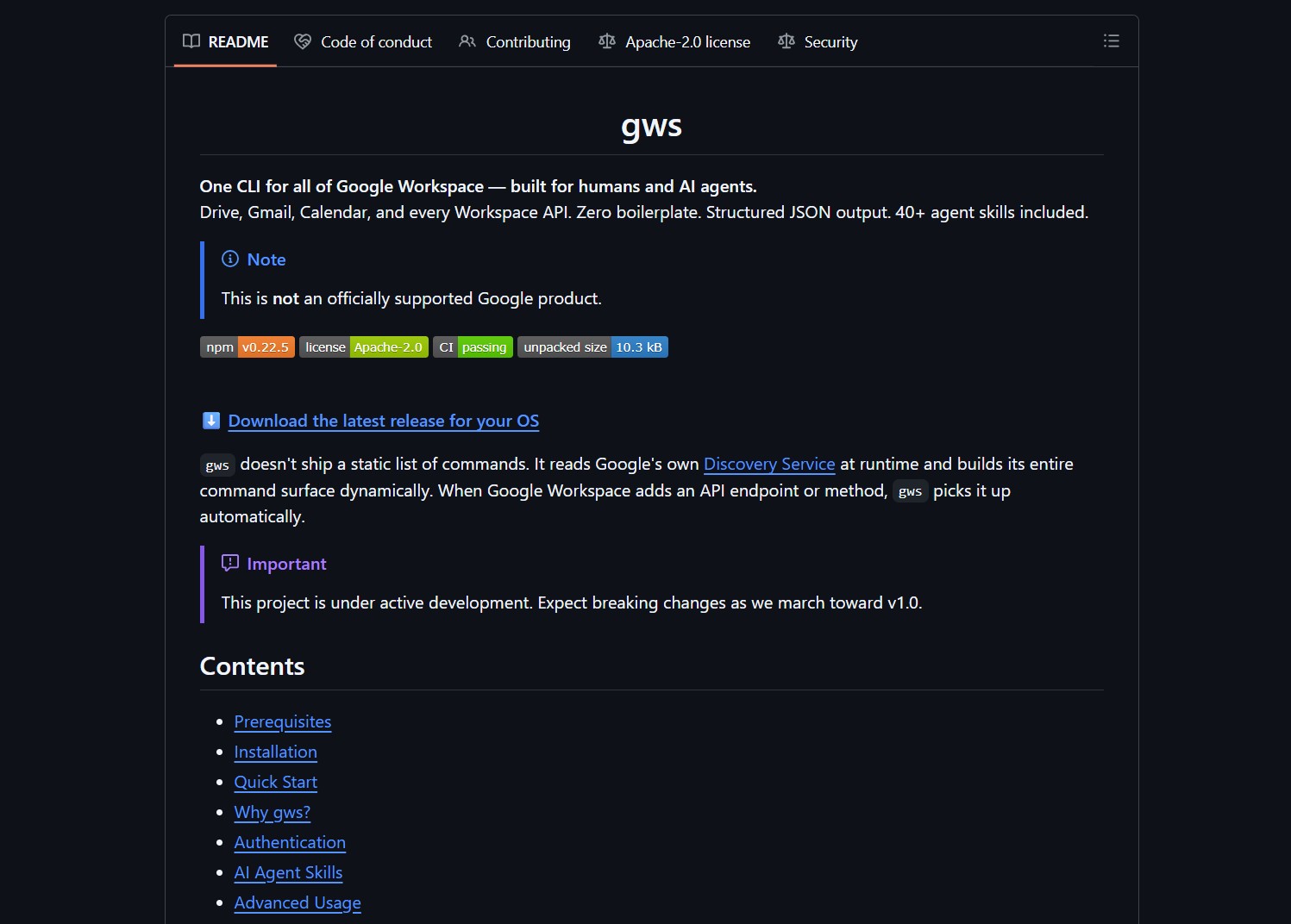
The prompts.chat repository has a clean design and massive community support.

Key Features and Capabilities

The library offers role‑playing prompts that turn AI into specific characters or experts. It includes creative writing aids for generating stories, poems, and scripts. Technical assistance templates help with code generation, debugging, and architecture planning. Productivity boosts cover summarization, translation, and email drafting. Educational tools facilitate learning concepts and tutorial creation.


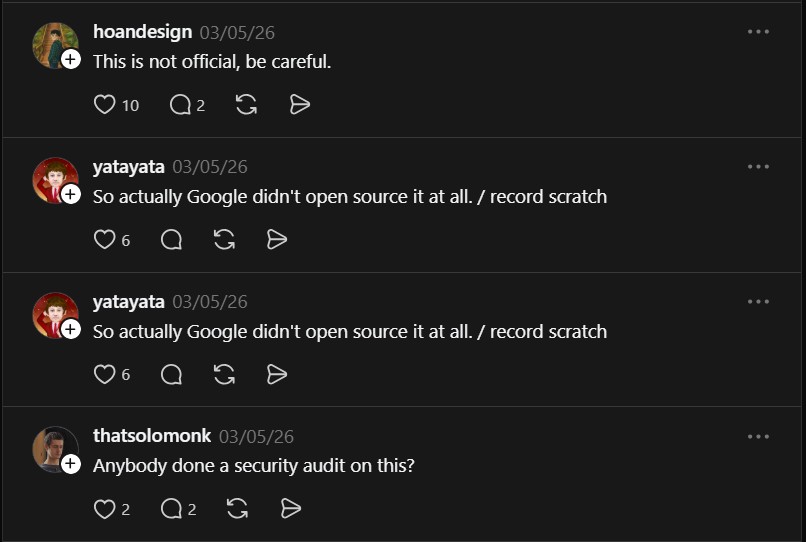
Threads discussion about prompts.chat and its community impact.

The URL‑based sharing feature enables passing prompts directly to Copilot Chat. Open‑source maintainers can embed prompt buttons in their README files. The library is cross‑platform compatible with all major AI assistants. This approach mirrors how AI search engine optimization tools leverage community‑driven techniques.

Who Should Use This Library

This library is for AI power users who regularly interact with multiple AI assistants. Content creators leverage it for generating consistent brand voice and tone. Educators employ the prompts to create interactive learning materials and quizzes. Developers integrate the prompt buttons into project documentation for onboarding. Teams use the shared collection to standardize AI interactions across departments.


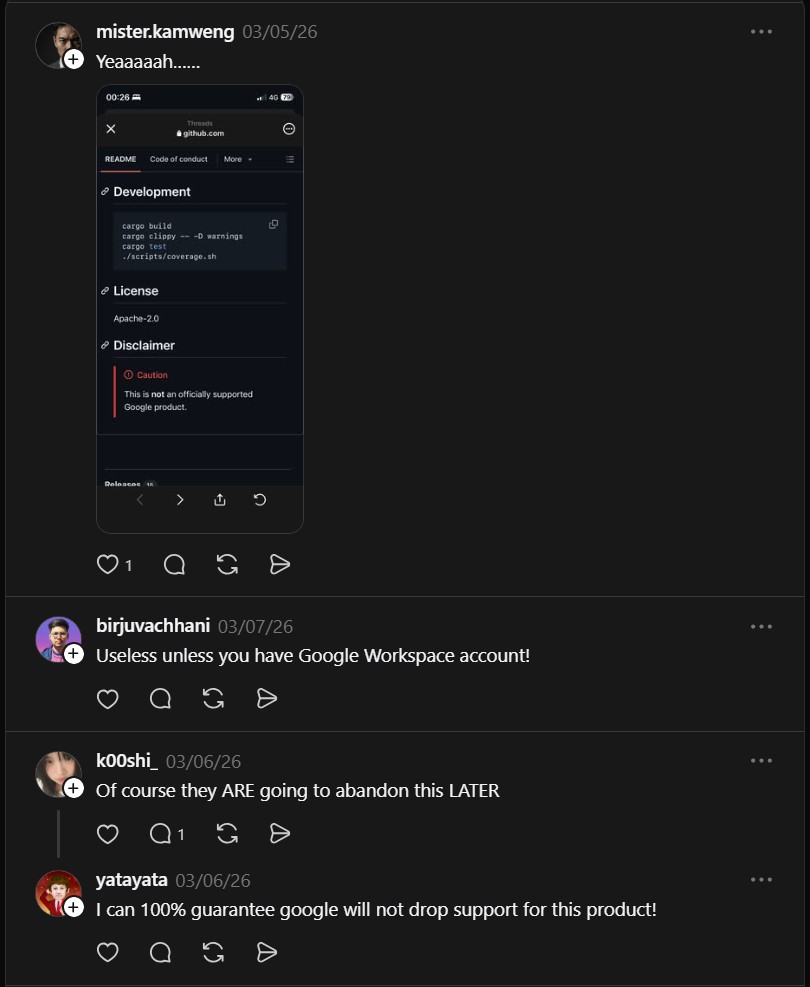
Twitter/X conversation highlighting the library’s practical applications.

Project link:
https://github.com/f/prompts.chat

How to Use Prompts.chat Effectively

Visit the website and browse prompts organized by category and use case. Copy the desired prompt text and adapt it to your specific context. Use the URL‑based sharing to bookmark your most‑used prompts for quick access. Submit pull requests to contribute back your refined prompt variations. Embed prompt buttons in your open‑source project documentation to guide users.


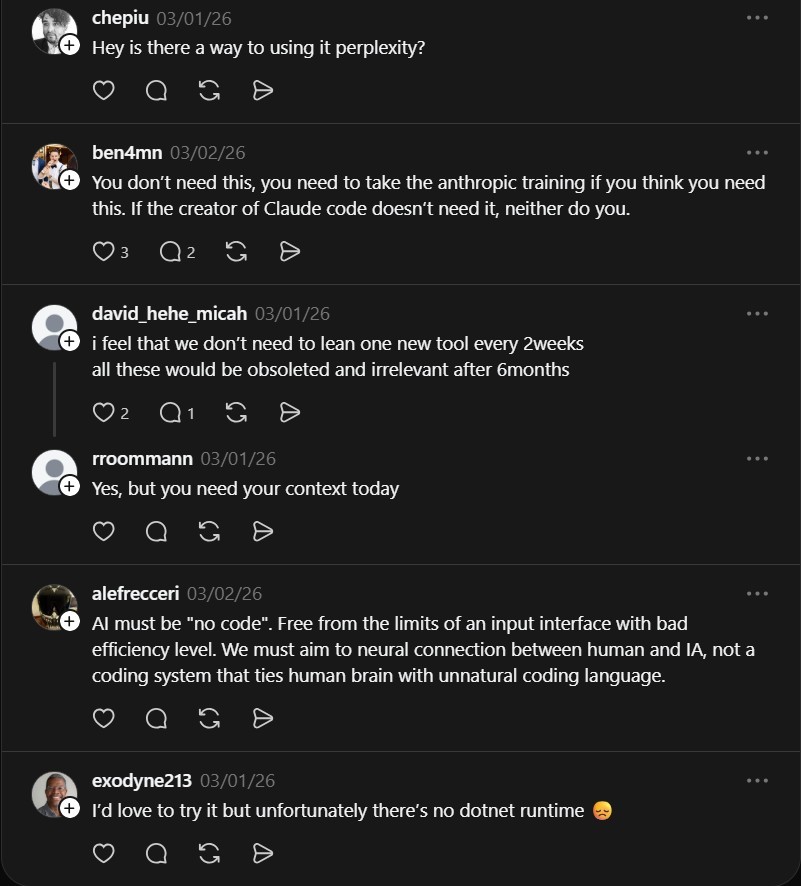
More community feedback and use cases shared on social media.

Market Context and Analysis

The open‑source prompt library market is expanding as AI usage becomes mainstream. Community‑driven curation outperforms proprietary collections in diversity and practicality. This trend parallels the growth of scalable AI agent frameworks that also rely on community contributions. The massive GitHub star count signals strong validation from the developer community.

Our platform provides additional resources on integrating AI tools into your development workflow. Explore our tutorials on optimizing AI model performance and deploying self‑hosted AI interfaces. Subscribe to receive updates about new open‑source AI projects and practical guides.

The Verdict

Prompts.chat is an essential resource for anyone working regularly with AI assistants. The sheer volume and quality of curated prompts save significant time and effort. While custom prompt tuning remains necessary for specialized tasks, the library provides an excellent starting point. It is particularly valuable for teams seeking to standardize their AI interactions across projects.

Leave a comment

How to Route 1600+ AI Models with Portkey’s Unified Gateway

Portkey AI Gateway is a unified routing layer for 1600+ AI models. It provides a consistent interface across multiple providers. This reduces integration complexity for developers and teams. You can switch models without changing application code. The gateway handles load balancing, fallback strategies, and usage analytics.


Portkey AI Gateway repository screenshot

The platform supports language, vision, audio, and image models. It offers enterprise-grade features like rate limiting and caching. Deployment options include Docker, Cloudflare Workers, and self-hosted setups. The lightweight footprint of 122 KB ensures minimal overhead. Portkey processes over 10 billion tokens daily in production.

Key Features and Capabilities

Portkey delivers sub‑1ms latency for model routing requests. It integrates with 1600+ models through a single OpenAI‑compatible API. The system includes intelligent load balancing based on cost and performance. Automatic failover ensures high availability when models are unavailable. Detailed analytics provide token usage, costs, and performance metrics.

Security features include API key management and request validation. A plugin system allows custom middleware and extensions. Multi‑region support lets you deploy close to your users. The gateway is open source under the MIT license. Enterprise users can deploy on‑premise or in hybrid environments.


Portkey AI Gateway Reddit discussion part 1

Customer Persona

This tool is for enterprises using multiple AI models across different tasks. Teams that need to compare model performance and costs will benefit, similar to those using LangChain for scalable AI agents. Startups avoid vendor lock‑in by abstracting model providers. Developer teams reduce integration time from days to minutes. AI platform builders create applications that require model flexibility.

DevOps engineers manage API keys and usage across teams. Organizations with strict security and compliance requirements use Portkey. Businesses building marketplaces that connect to multiple AI providers adopt it. Individuals prototyping across different models appreciate the unified interface. Any developer serious about AI integration needs this abstraction layer.

Project link:
https://github.com/portkey-ai/gateway

How to Deploy and How It Works

Deploy Portkey with Docker using a single command: docker run -d -p 8787:8787 -e PORTKEY_API_KEY=your_key --name portkey-gateway portkeyai/gateway:latest. For Cloudflare Workers, use the Wrangler CLI with a configuration file. The setup takes less than two minutes per model.


Production usage feedback showing Portkey handling 4 million monthly active users

After deployment, configure routing policies via the web dashboard or API. Define fallback sequences for when primary models are unavailable. Set up rate limits per user or application. Enable caching to reduce costs for repeated queries. Monitor token consumption and latency through built‑in analytics.

Integration with existing applications requires changing only the API endpoint. Update your OpenAI client library to point to Portkey’s gateway URL. Provide your Portkey API key instead of individual provider keys. The system handles authentication and routing transparently. You can now route requests across 1600+ models with a single interface.

Market Analysis

The AI gateway space includes alternatives like Cortex, Lunar, and Tonic. Portkey distinguishes itself with its minimal footprint and sub‑1ms latency. Unlike commercial solutions, Portkey is open source and self‑hostable. The unified interface across 1600+ models is a unique selling point. Many enterprises now seek to avoid vendor lock‑in with multi‑model strategies.

Demand for AI model orchestration grows as companies adopt multiple LLMs. Portkey addresses the pain point of managing separate API integrations. Its Cloudflare Workers deployment option appeals to edge‑computing use cases. The project’s production traction—4 million monthly active users—signals market validation. As AI usage scales, tools like Portkey become essential infrastructure, much like Gobii for durable autonomous agents.

Advertising Section

For teams deploying AI gateways, monitoring tools like Grafana or Datadog provide visibility. Cloud providers offer managed Kubernetes services for scalable deployments. Consider pairing Portkey with a model‑cost optimization platform. Enterprise support contracts are available for mission‑critical installations. Training and consulting services can accelerate integration.

The Verdict

Portkey AI Gateway solves a real problem: AI model integration complexity. It turns 1600+ models into one consistent, reliable interface. The open‑source nature and production‑ready features make it compelling. Enterprises and developers should start with Portkey even if using one model today. The abstraction layer future‑proofs your AI infrastructure.

There is no video demo for this article.

Leave a comment

How to Build and Scale AI Agents with OpenHands Development Platform

OpenHands is a community-driven development platform for building and scaling AI agents. It provides a unified ecosystem that includes a Python SDK, a CLI, and a local web interface. This system allows developers to create autonomous agents that can handle complex software engineering tasks. Users can start with local prototyping and transition to large-scale cloud deployments using the same codebase.


OpenHands provides a unified repository for building AI-driven software agents.

Key Features and Capabilities

The platform offers a composable Python SDK for defining custom agent behaviors and capabilities. It includes a built-in code editor, terminal, and browser for agents to interact with their environment. The system supports various large language models through integration with Ollama and OpenAI-compatible APIs. It achieves high scores on software engineering benchmarks by solving real-world GitHub issues autonomously.

Who Should Use This Platform

This platform is for software engineers who need to automate repetitive coding tasks and bug fixes. It serves DevOps teams looking to integrate AI agents into their CI/CD pipelines. Startups use the cloud version to collaborate on agent-driven development with shared infrastructure. Enterprise users benefit from self-hosted deployments that comply with strict security and privacy requirements.


Developers on Reddit discuss how OpenHands compares to other agentic frameworks.

Developers can use this system to build personal AI agents for local workstation automation. This approach eliminates the need for expensive third-party tools while maintaining full control over the execution environment.

Project link:
https://github.com/OpenHands/OpenHands

Deployment and Integration

To begin, you can install the SDK using pip install openhands in your environment. The CLI tool is available via a simple shell command for quick prototyping. For a visual experience, the local GUI runs in a Docker container with access to your local files. Teams can connect the platform to Slack or Jira to manage agent tasks through messaging apps.


Advanced users analyze the technical roadmap and feature parity of the platform.

Market Context and Analysis

The agentic development market is shifting toward unified platforms that bridge local and cloud environments. OpenHands competes with proprietary solutions by offering a source-available alternative with no vendor lock-in. Its popularity among engineers at major tech companies indicates a strong demand for open-source AI tools. This trend suggests that agent-first AI IDEs will become standard in modern software engineering.

Our library contains more guides on automating your development workflow with the latest AI tools. Explore our tutorials on self-hosting AI interfaces and optimizing model performance for local hardware. Stay updated with the latest open-source developments by following our deep dives.

The Verdict

OpenHands is a mature platform that simplifies the creation of autonomous software engineering agents. It effectively combines ease of use with the scalability required for professional deployments. While it requires a solid understanding of Python for deep customization, the CLI and GUI make it accessible to most developers. It is a reliable choice for teams moving beyond simple chat interfaces to full agentic automation.

Leave a comment

How to Build a Self-Hosted Offline AI Platform with Open WebUI

Open WebUI is an extensible self-hosted AI platform designed for privacy and offline use. It supports various large language model runners like Ollama and OpenAI-compatible APIs. This platform enables users to maintain full control over their data and infrastructure. It integrates retrieval-augmented generation (RAG) directly into the interface for improved document processing.


Open WebUI provides a feature-rich interface for local LLM deployment.

The platform offers a comprehensive feature set including local speech-to-text and text-to-speech capabilities. It provides built-in support for Model Context Protocol (MCP) servers to access structured data. Users can execute sandboxed Python code via a Jupyter server integration for technical tasks. It also features multi-user management with role-based access control for organizational deployments. This modular approach makes it a strong alternative to durable autonomous agents in cloud environments.

This tool is ideal for developers and privacy-conscious organizations like legal or financial firms. It serves AI enthusiasts who prefer running models locally to avoid subscription costs. Researchers use the platform to maintain reproducible environments for sensitive datasets. It is perfect for anyone needing a user-friendly frontend for local model inference.

Project link:
https://github.com/open-webui/open-webui


Users discuss migration and analytics features in recent platform updates.

Deployment is most efficient through Docker containers to ensure consistency across different environments. You can launch the system with a single command to access the local web interface. Once running, you connect it to local model runners or external API endpoints. The system handles all RAG processing and vector storage internally without external dependencies. This enables developers to create systems like personal AI agents on their own hardware.

The market for self-hosted AI is growing as privacy concerns with cloud providers increase. Open WebUI competes with monolithic desktop apps by offering a multi-user web-based environment. Its extensible architecture allows it to adapt to new model types and tools quickly. This flexibility ensures it remains relevant as the AI landscape continues to evolve.


Advanced configurations show support for Redis, Postgres, and Minio integrations.

Explore more local AI tools and self-hosting guides in our comprehensive library. Our tutorials cover everything from basic setup to advanced multi-model orchestration. Stay updated with the latest open-source developments by following our deep dives.

Open WebUI is the definitive choice for those seeking a private AI command center. It combines professional features with a simple installation process that works for beginners. While it requires local hardware resources, the privacy and cost benefits are significant. It successfully bridges the gap between complex backend setups and intuitive user experiences.

Leave a comment

How to Build Scalable AI Agents with LangChain and LangGraph Frameworks

LangChain is a modular framework for building applications powered by large language models. It streamlines the process of connecting models to external data sources and tools. Developers use it to create complex workflows without writing repetitive boilerplate code. The framework provides standardized interfaces that work across different model providers.


LangChain repository overview

The framework includes components for prompt management, memory systems, and indexing. It supports chaining multiple calls to models or other utilities together. Users can build autonomous agents that decide which tools to use for specific tasks. The integration with LangGraph allows for stateful, multi-actor applications with cyclic logic. This makes it easier to manage durable autonomous agents in professional production environments.

This tool is for software engineers and data scientists building AI-driven products. It suits teams that need to switch between different LLM providers frequently. Hobbyists also use it to experiment with retrieval-augmented generation (RAG) and memory. The framework is ideal for those moving beyond simple chat interfaces.

Project Repository

Project link:
https://github.com/langchain-ai/langchain


Community discussion on LangChain planning

How it Works

LangChain organizes logic into chains that process inputs and generate outputs. You define a prompt template and link it to a specific model. The framework handles the data flow between components automatically. For more complex logic, LangGraph manages state transitions between different nodes in a graph. This approach helps developers build systems similar to personal AI agents with predictable behavior.


Comparison between raw APIs and LangChain abstractions

Market Analysis

The AI development landscape is shifting toward agentic workflows and RAG. LangChain has become a standard because it abstracts provider-specific APIs. Competing libraries exist, but LangChain’s extensive integration ecosystem remains a major advantage. It addresses the need for observability through its companion platform, LangSmith.

Check out our other guides on AI development tools and agent frameworks.


Developer feedback on production usage

Verdict

LangChain is a robust choice for building scalable AI applications. It offers the flexibility needed to stay current in a fast-moving field. The learning curve can be steep due to the high level of abstraction. However, the benefits of modularity and observability usually outweigh the initial complexity. Building with standard primitives ensures long-term maintainability for growing projects.

Leave a comment

How to Use Nexu to Run AI Agents Directly Inside Your Messaging Apps

Nexu is an open-source desktop client that runs AI agents inside your favorite messaging apps. It connects tools like OpenClaw directly to WeChat, Slack, and Discord. This solution brings your assistant to the platforms where you already spend your time.


Nexu integrates AI agents into WeChat and other messaging platforms.

What is Nexu?

Nexu is designed for users who want a persistent AI assistant in their chat apps. It solves the problem of switching between different AI tools and browsers. By embedding an agent into your IM channels, you can access AI features without leaving your conversation.

The core value of this project is its integration capability. It supports WeChat 8.0.7 through the OpenClaw plugin. It also works with Feishu, Slack, and Discord. This approach makes your AI agent available 24/7 on your favorite devices.

Key Features and Capabilities

Nexu offers several technical advantages for developers and casual users. It features a graphical setup process that requires no command-line skills. You can bring your own API keys for models like Gemini or GPT-4. All data stays on your local machine for better privacy.

  • Direct integration with WeChat and Slack.
  • Support for multiple AI models via API keys.
  • Local data storage for enhanced user privacy.
  • Built-in skills for Feishu and other platforms.

If you are looking for a way to use AI assistants in a coding environment, you might also want to check out Google Antigravity. While Nexu focuses on messaging, Antigravity brings agents into your IDE. Both tools aim to reduce the friction in your daily digital workflow.


Users discussing the benefits of Nexu on social media.

How to Deploy Nexu

Getting started with Nexu is straightforward. First, you download the client from the GitHub releases page. The installation follows a standard graphical process. Once installed, you can link your preferred messaging accounts.

For WeChat users, the connection involves scanning a QR code. This links the Nexu client to your mobile WeChat app. You can then start chatting with your AI agent as if it were a regular contact. The setup process for Slack and Discord follows a similar pattern.

Project link:
https://github.com/nexu-io/nexu

The Verdict

Nexu provides a clever way to keep AI assistants accessible. It eliminates the need to constantly switch between apps. The privacy-first approach is also a major benefit for many users. However, note that macOS users currently need an Apple Silicon chip for installation.

This tool is ideal for teams wanting to introduce AI features without new training. It fits into existing habits naturally. If you have the right hardware, Nexu is a solid choice for personal and professional AI integration.

Leave a comment

How to Use Google Antigravity as an Agent-First AI IDE for Coding

Google has recently released Antigravity. This is an agent-first development platform for modern developers. It uses the familiar VS Code architecture. The IDE integrates AI agents directly into your coding environment.

What is Google Antigravity?

Antigravity is an IDE that includes AI agents. It is a fork of VS Code. You get the same extensions and shortcuts you already know. The editor adds a dedicated agent tab for deep AI interaction.

The platform is designed for agentic development tasks. AI can suggest code and perform complex actions. It can run tests or manage project files autonomously. This makes it a complete replacement for standard editors.

Key Features of the Agentic IDE

The IDE features an integrated Model Context Protocol (MCP) server. This allows the tool to communicate with various data sources. It supports real-time collaboration with agents during development. It feels like working with a digital pair programmer.

  1. Direct integration with Gemini 1.5 Pro models.
  2. Native support for Model Context Protocol (MCP).
  3. Built-in terminal with AI command generation.
  4. Easy migration from existing VS Code profiles.

If you use tools like Cline, this will feel very familiar. It takes the concept of AI assistants further. The agent becomes a core part of your editor experience.

How to Get Started

You need a Google Account to access the AI services. You can import your VS Code settings after installation. The IDE configures the necessary agents for your project. This setup takes only a few minutes.

antigravity –version

Verify your installation with this command. Some users recommend disabling auto-updates for better stability. Version 1.19.5 is currently a stable choice for many developers. You can find this in the official documentation.

Project link:
https://antigravity.google/

The Verdict

Google Antigravity is a strong tool for the AI market. It connects a text editor with an autonomous developer. The level of integration is better than standard plugins. It is a useful platform for building modern software.

For those building agents, this platform is a good choice. You can also explore Agent Zero for local control. Antigravity is worth trying for any serious developer today.

Leave a comment

How to Use Kilocode for AI-Powered Coding Assistance

Kilocode is an all-in-one agentic engineering platform for faster coding workflows. It combines code generation, automation, and debugging into a single unified workflow. The platform serves as a practical alternative to using multiple coding tools separately.


kilocode repo

Kilocode targets developers needing cohesive AI assistance across the entire development loop. It offers natural language code generation, inline autocomplete suggestions, and task automation. The platform integrates with 500+ AI models including Gemini, Claude, and GPT. This flexibility allows cost-aware switching between models for different tasks.

Project Repository

Project link:
https://github.com/Kilo-Org/kilocode/

How to Deploy & How It Works

Kilocode operates as an extension for VS Code and JetBrains IDEs. It provides multi-mode workflows for planning, coding, and debugging phases. Users can start without API keys and receive bonus credits for model access.


kilocode repo reddit1

  1. Install the Kilocode extension from your IDE marketplace.
  2. Sign up optionally to unlock bonus credits and model switching.
  3. Choose between Architect, Coder, and Debugger modes for each task.
  4. Connect API keys for preferred models or use Kilo’s own credits.
  5. Explore the MCP Server Marketplace to extend agent capabilities.

The platform’s design emphasizes granular control over AI assistance. Unlike single-model coding assistants, Kilocode enables per-task model selection. This approach mirrors architectural patterns seen in Claw Code where flexibility and coordination are core features.


kilocode repo reddit2

The Verdict / The Catch

Kilocode excels at unified coding assistance with cost-aware design. It delivers practical AI agent workflows for development teams. The platform’s model flexibility and multi-mode approach reduce reliance on single providers.

The catch lies in rapid iteration cycles. Some users report UI changes that disrupt established workflows. For personal coding assistant scenarios, consider Cline or Agent Zero. Kilocode is optimized for professional development environments requiring production-grade coordination.


kilocode repo reddit3
Leave a comment

How to Run Durable Autonomous Agents in Production with Gobii

Gobii is an open-source platform for running durable autonomous agents in production. It solves the problem of unreliable, ephemeral AI agents by providing persistent, always-on agents that survive restarts and can be contacted like coworkers. Each agent runs continuously, wakes from schedules and events, uses real browsers, calls external systems, and coordinates with other agents.


gobii repo

Gobii targets teams and businesses needing reliable agent operations. It bundles scheduling, communication, persistence, coordination, and browser automation into a cohesive platform. Agents become first-class citizens with durability, email and text accessibility, and real browser capabilities built-in.

Project Repository

Project link:
https://github.com/gobii-ai/gobii-platform

How to Deploy & How It Works

Gobii is built for production deployment with a modular architecture. The platform handles agent state persistence, event-driven scheduling, and multi-agent coordination. Agents can be triggered via schedules, external events, email, or text messages.

  1. Clone the repository with git clone https://github.com/gobii-ai/gobii-platform.git.
  2. Explore the documentation in the README.md file for setup instructions.
  3. Configure agent definitions using the built-in YAML syntax for durability, contactability, and capabilities.
  4. Deploy agents as persistent services that survive system restarts and failures.
  5. Monitor agent activity through the platform’s logging and coordination features.

gobii repo x

The platform’s design contrasts with typical agent frameworks that treat agents as disposable functions. Unlike single-session chatbots or local assistants, Gobii agents are durable services. This approach mirrors the architectural patterns seen in Claw Code where persistence and coordination are core features.

The Verdict / The Catch

Gobii excels at production-grade autonomous agent workflows. It delivers reliable, always-on agents with built-in scheduling, communication channels, and browser automation. The platform is ideal for teams running customer support automation, business process monitoring, or research data collection.

The catch lies in its specialization. Gobii is optimized for team and business use cases with security and coordination requirements. For personal assistant scenarios or single-session chatbots, lighter alternatives may be more appropriate. The platform’s durability features add complexity that may not be needed for prototyping. Consider Agent Zero for personal AI agent projects.

Leave a comment

How to Create 2D and 3D Games Without Code Using GDevelop

GDevelop is a no-code open-source game engine for creating 2D, 3D, and multiplayer games across mobile, desktop, and web platforms. It replaces the need for complex coding knowledge with an intuitive event-based visual interface. The engine includes built-in AI assistance and exports to multiple platforms without licensing fees.


gdvelop repo

GDevelop targets beginners and creators without programming experience. It solves the complexity of traditional game engines by providing a visual event system. You can design game logic using drag-and-drop actions and conditions. The engine supports physics engines like Box2D and Jolt for 3D simulations. All games are distributed under the MIT license with no royalties.

Project Repository

Project link:
https://gdevelop.io/

GitHub repository:
https://github.com/4ian/GDevelop

How to Deploy & How It Works

GDevelop consists of several modular components. The Core defines game structure and IDE tools. GDJS is the game engine written in TypeScript using PixiJS and Three.js for rendering. GDevelop.js provides JavaScript bindings with WebAssembly for the IDE. The newIDE editor is built with React, Electron, PixiJS, and Three.js.


gdvelop repo reddit1

To start creating games, download the desktop editor from the official website. Alternatively, use the web version directly in your browser. The interface divides into scenes, objects, behaviors, and events. You can test games instantly with the built-in preview. Export to platforms requires clicking the publish button and following platform-specific guides.

  1. Download GDevelop from gdevelop.io or clone the GitHub repository.
  2. Install dependencies using npm install if building from source.
  3. Launch the editor and create a new project with a template.
  4. Add objects to scenes and attach behaviors via the properties panel.
  5. Define game logic using the event sheet with conditions and actions.
  6. Test your game with the preview window and debug as needed.
  7. Export to your target platform using the publish menu options.

gdvelop repo reddit2

Community feedback highlights both strengths and limitations. Users appreciate the intuitive interface and rapid prototyping capabilities. Some note that the built-in AI assistant leverages external models similar to the real-time communication in Claude Peers MCP. The recent addition of 3D support shows active development. Long-term viability compared to Godot or Unity depends on your project scope.

The Verdict / The Catch

GDevelop democratizes game development by removing the coding barrier. It excels at 2D games and simple 3D projects with its visual workflow. The engine is ideal for education, prototyping, and indie developers who prioritize speed over deep customization.

The catch lies in advanced use cases. Complex game mechanics may require custom extensions written in JavaScript. Performance optimization for large-scale games is less fine-tuned than professional engines. The AI features are still evolving and may not replace manual design entirely. The modular architecture follows patterns seen in Claw Code.


gdvelop repo reddit3
Leave a comment