
Google Workspace CLI is an open‑source tool that gives AI agents programmatic access to Drive, Gmail, Calendar, Sheets, Docs, and Chat from a single command line. It ships with over 50 pre‑built agent skills and an MCP server for remote control. This makes it a direct interface layer between agent runtimes and Google Workspace data.
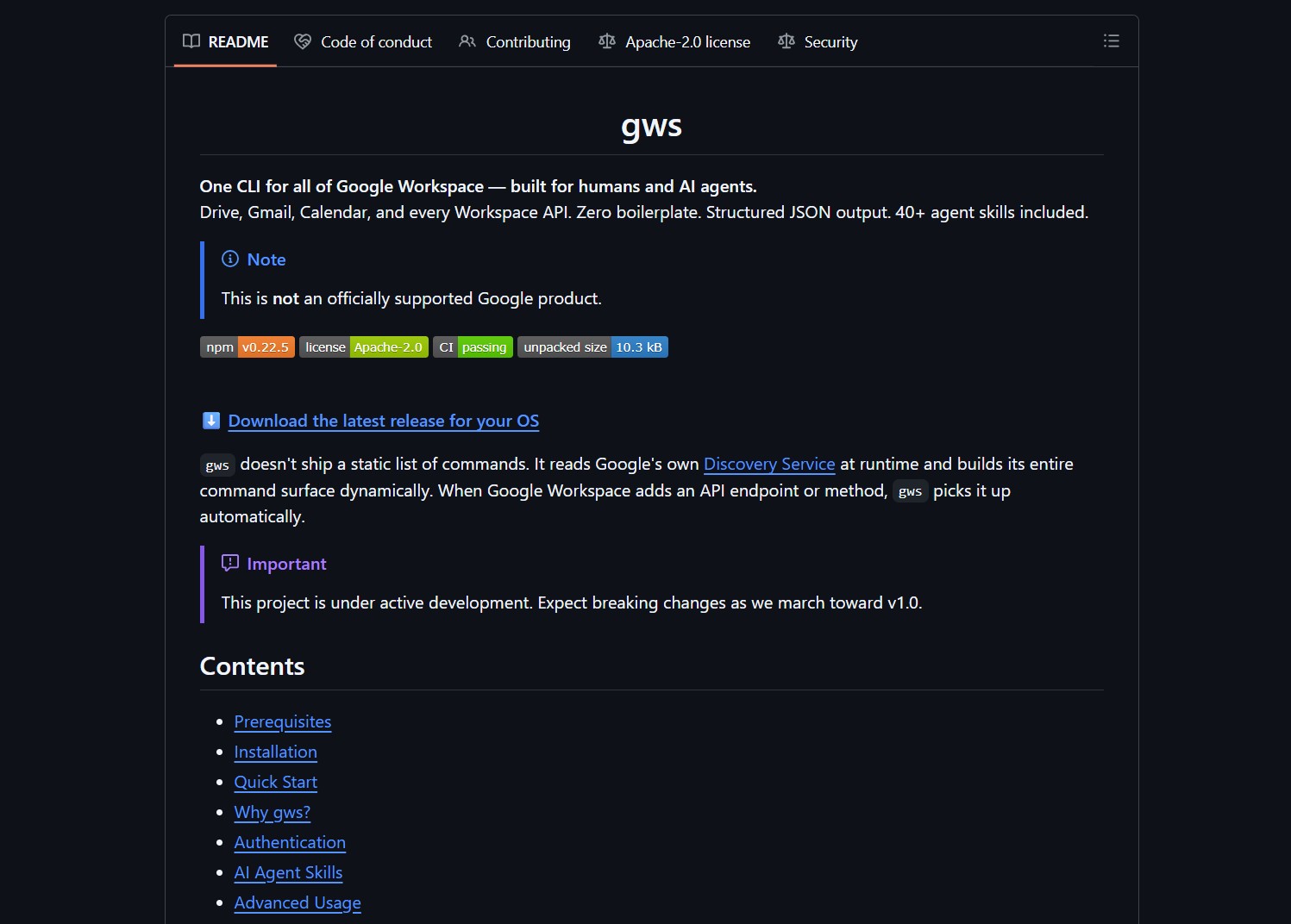
The CLI wraps Workspace APIs and returns structured JSON, eliminating boilerplate for common agent tasks. It targets developers building AI agents that need to read emails, search Drive, check calendars, or draft replies. Integration works with toolchains like Claude Code, Gemini CLI, and other LLM runtimes.
Customer Persona
Agent builders and developers who want their AI systems to interact with Google Workspace data benefit most from this tool. It suits automation workflows where agents handle inbox management, calendar scheduling, or document retrieval. Non‑technical users without a Workspace account will find limited use cases.
Project Repository
Project link:
https://github.com/googleworkspace/cli
How to Deploy & How It Works
The CLI acts as a single entry point to call Workspace APIs and execute pre‑built skills. The MCP server exposes a local control plane for agents to interact with the tool. Structured JSON outputs are easy for LLMs to parse, similar to how autonomous frameworks like Gobii handle tool outputs.
- Clone the repository: git clone https://github.com/googleworkspace/cli
- Follow the README to authenticate with a service account.
- Run example skills to test email, calendar, and Drive access.
- Connect the MCP server to your agent runtime.
Market Analysis
Most workspace integrations require custom API wrappers or third‑party libraries. The Google Workspace CLI standardizes this with a unified interface and agent‑focused output. This mirrors trends in AI agent tooling, where platforms like Portkey unify model routing across providers.
Advertising Section
For production agent deployments, consider managed services that handle OAuth scopes, audit logging, and compliance. These platforms add enterprise controls on top of raw API access, important for organizations with strict data governance.
The Verdict / The Catch
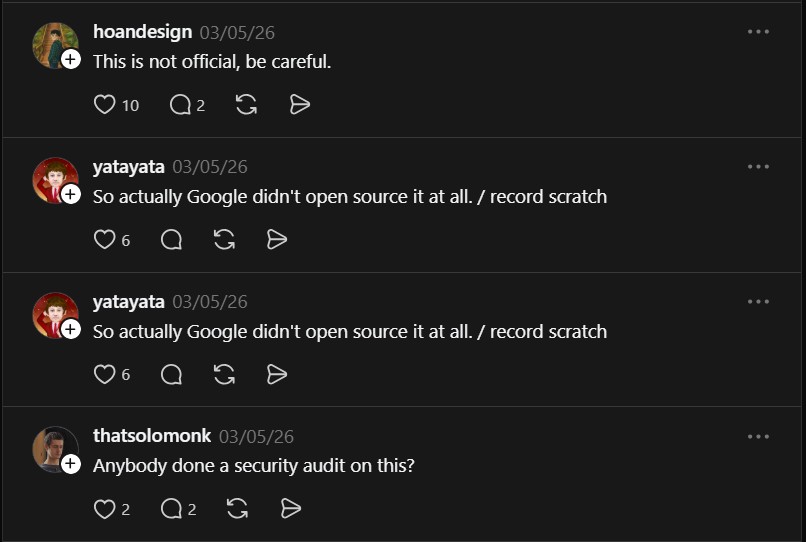
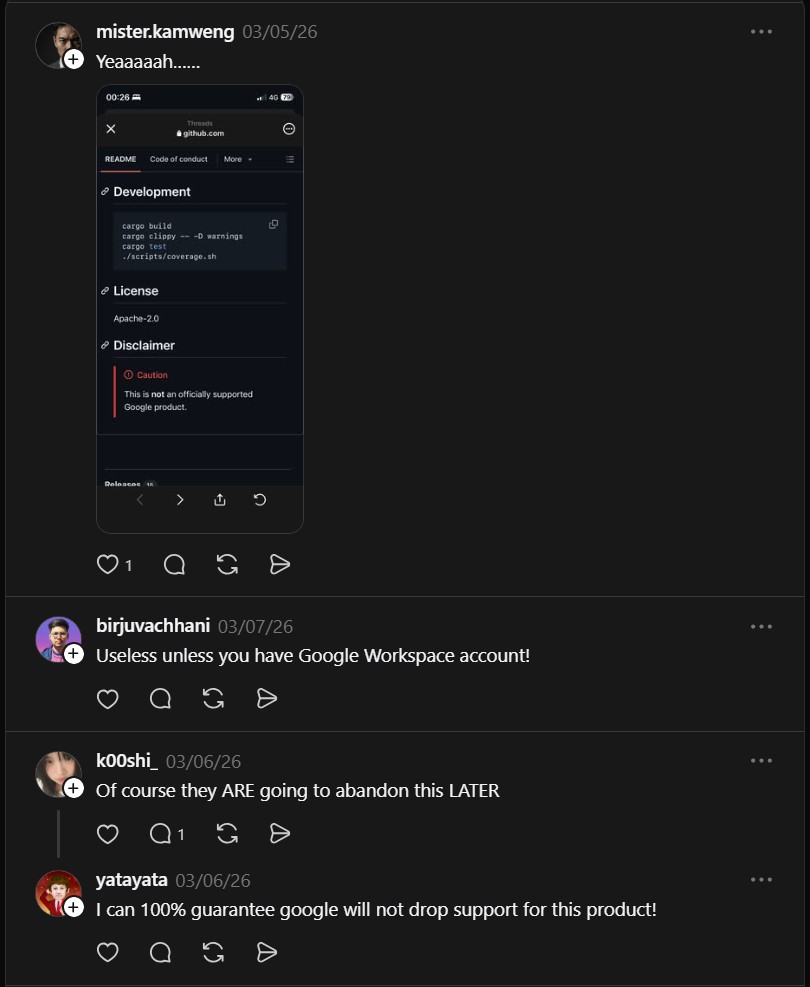
The Google Workspace CLI is a solid foundation for agent‑workspace integration. It requires a Google Workspace account and appropriate service credentials. Use a restricted service account for experiments and audit scopes before granting production access. Some community members note this may not be an official Google release, so verify origin and licensing.